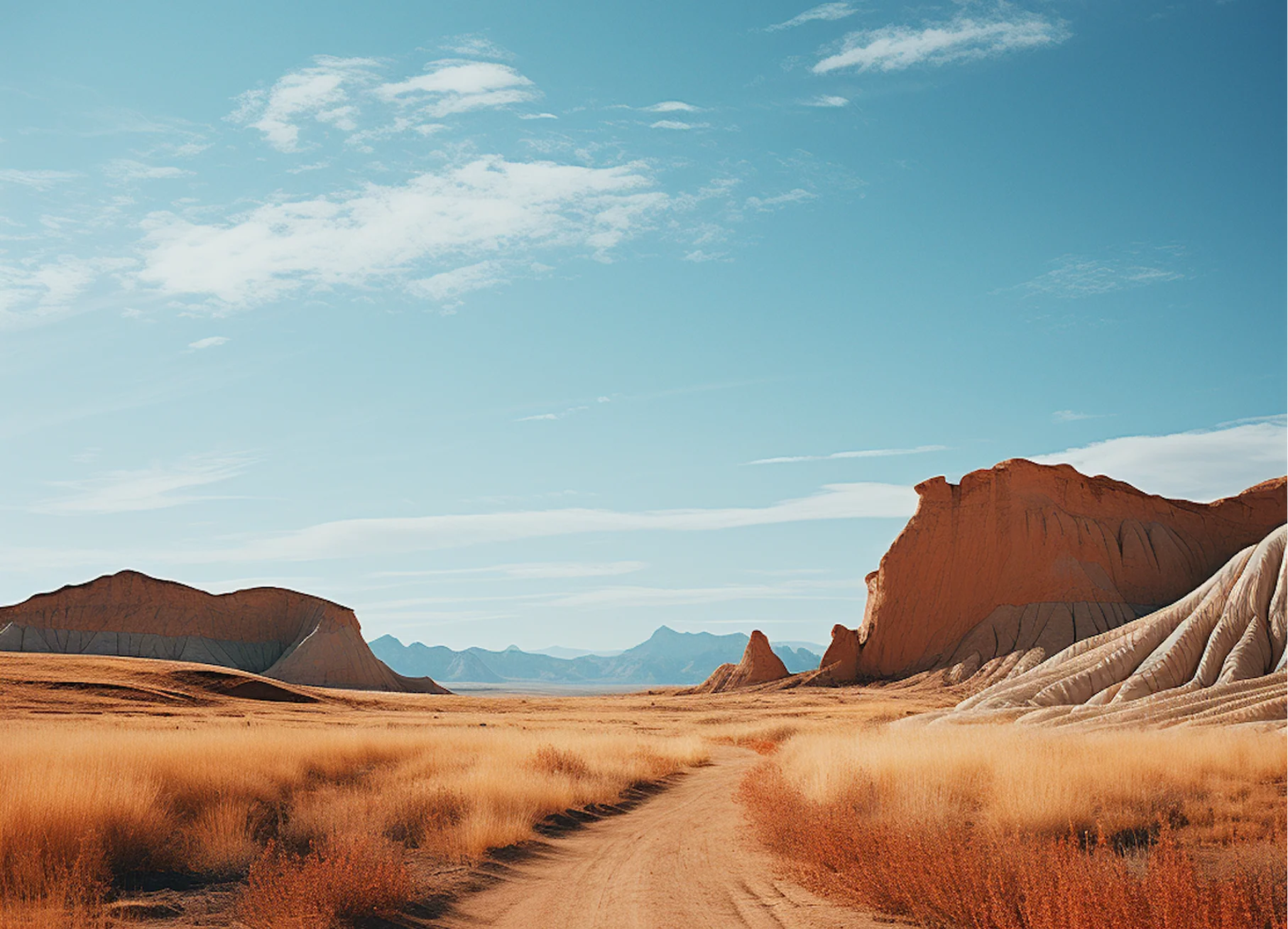
How to build custom color presets
A subtle visual principle that should be intentionally applied is layered depth in compositions.
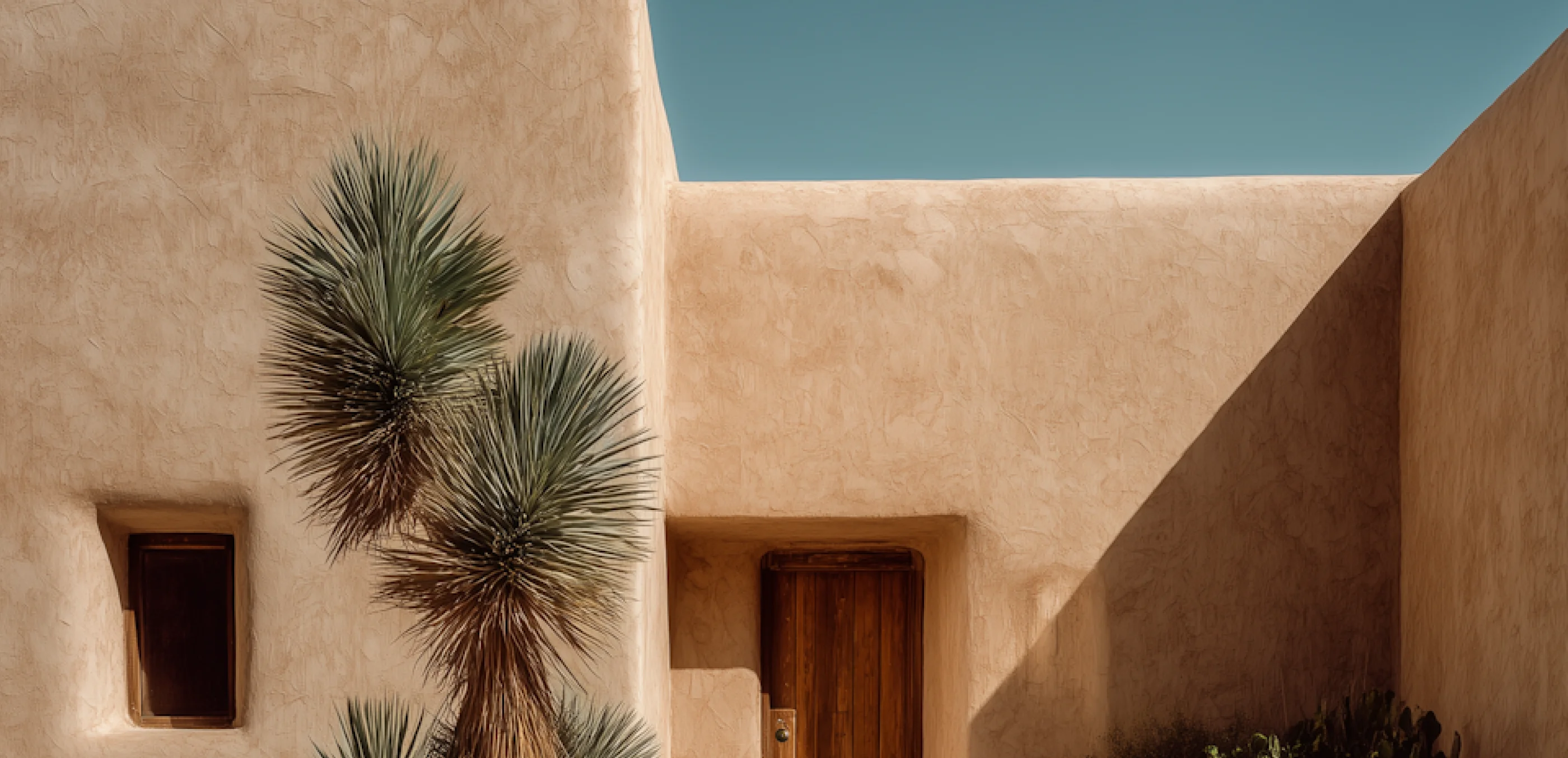

Build the Preset From Your Own Work
Bought presets are somebody else's decisions applied to your files. They look convincing on the three images they were made for and wrong on the rest, because they encode the light of a shoot you were not at.
We build ours the slow way: grade twenty finished images from a single body of work by hand, look at what the adjustments have in common, and encode only that. What survives is usually two or three moves, not twenty.
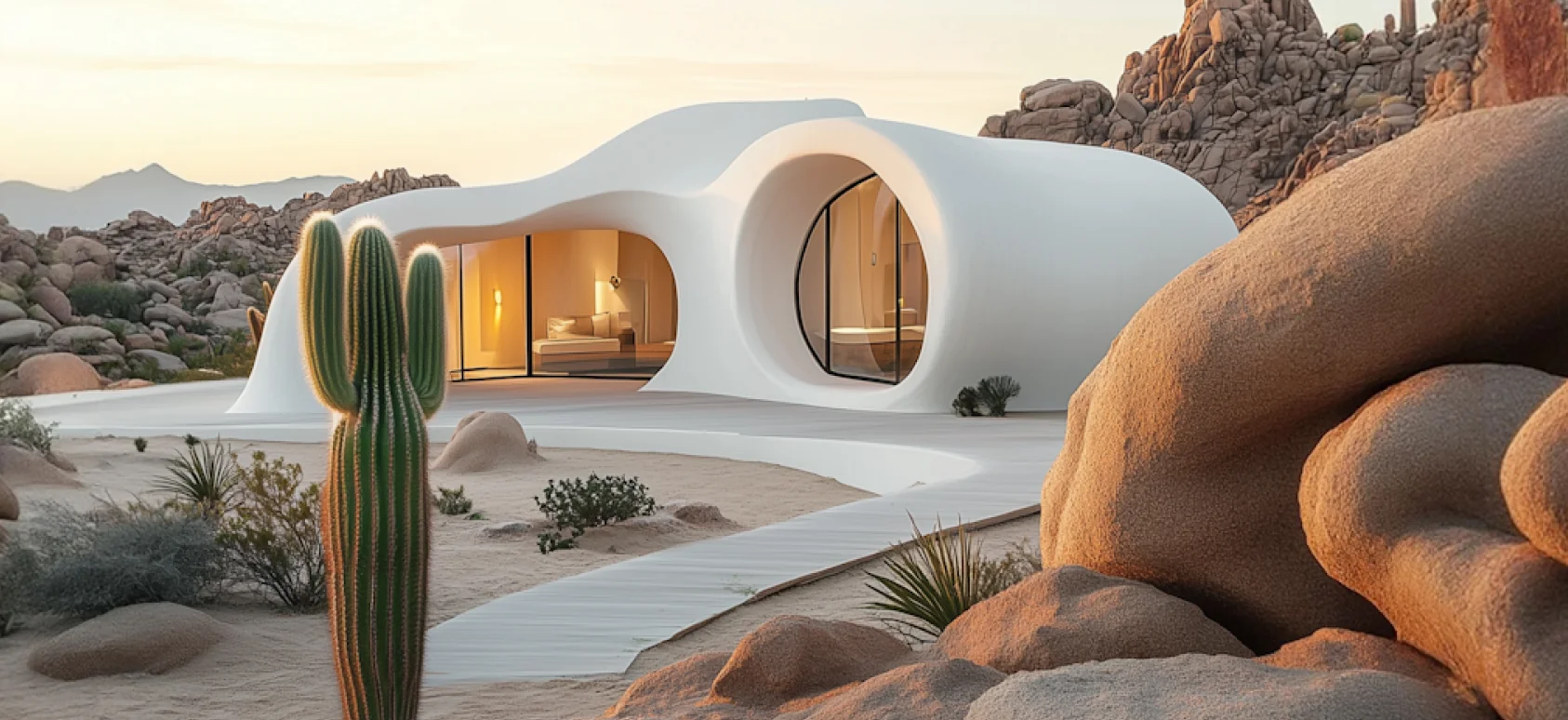
Start From a Neutral, Not a Look
Before any of the interesting adjustments, get the file honest: white balance set on something you know the colour of, exposure placed so the skin sits where it should, highlight recovery before anything else touches the tone curve. A preset applied on top of a neutral file behaves the same way every time.
A preset applied on top of an unbalanced one does not, which is why the same settings look beautiful on one frame and unusable on the next frame from the same roll.
A preset is not a look. It is the shortest description of what you already do by hand, and if you cannot describe it, you do not have one yet.
Keep the Depth in the Colour
The layered look that reads as depth is mostly separation between the foreground and the background, and most of that separation is colour rather than focus. Cooling a background by a few hundred kelvin while leaving skin where it is will do more than any amount of vignetting.
We keep those moves small. The point at which a viewer notices the grade is the point at which they stop looking at the subject.

Version It, and Keep the Old One
A preset changes as your work does. Number them, keep the previous version, and note which shoot each one came from. A client who asks for more images in the style of last year's campaign is asking for a file you either kept or did not.